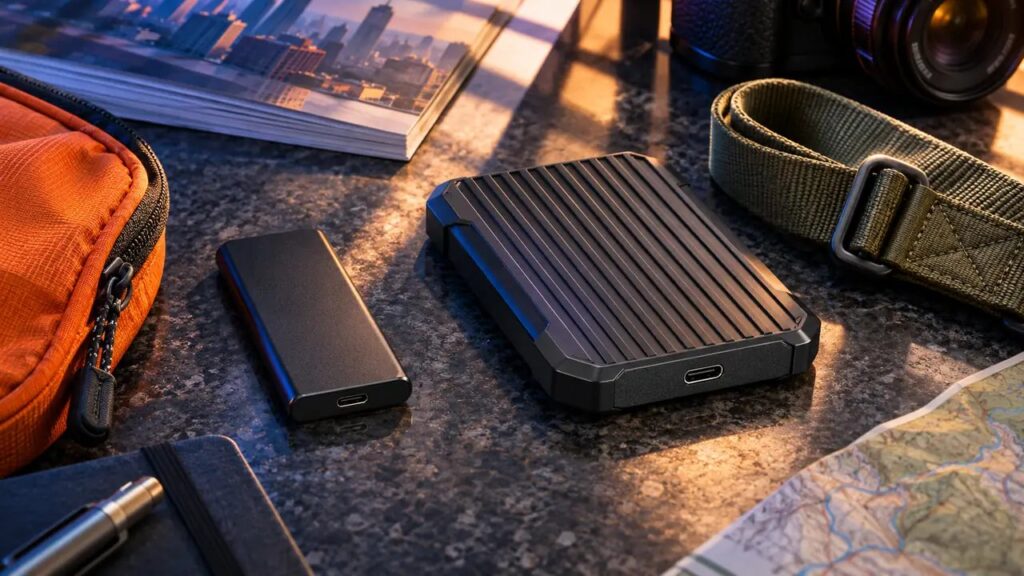
Both drives advertise the same top speeds. I'd pick the Kingston XS1000 if I mostly moved files between desks and wanted the smallest drive in my bag. I'd pick the Samsung T7 Shield for field work when a drive might encounter dust, spray or the occasional fall. This comparison is based on manufacturer specifications, not hands-on testing.
What you get with each drive
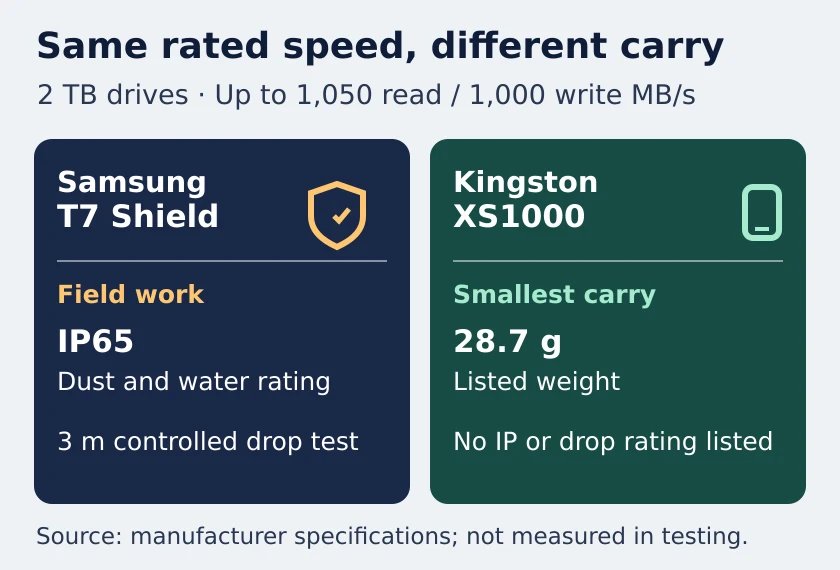
The 2 TB Samsung T7 Shield (MU-PE2T0S/AM, black) measures 88 × 59 × 13 mm. Samsung lists 98 g for the series and notes weight can vary with capacity. It lists IP65 dust and water resistance and a controlled drop test up to 3 m. That’s not a promise that the drive will survive a fall or submersion. Samsung excludes damage from drops, liquids and dust under the limited warranty.
The 2 TB Kingston XS1000 (SXS1000/2000G, black) measures about 70 × 33 × 14 mm and weighs 28.7 g, according to Kingston. That’s the one I’d choose to carry presentations or move photos between desks. Kingston’s datasheet doesn’t list an IP or drop rating for this model. That doesn’t prove it will fail in the field; it means there’s no stated rating to shop by.
Don’t pay more for the same speed number
Both manufacturers list up to 1,050 MB/s sequential reads and 1,000 MB/s writes over USB 3.2 Gen 2 (10 Gbps). Those are advertised peaks, not measured sustained speeds. Check the speed listed for your computer’s port and use a cable rated for 10 Gbps. A USB-C plug alone doesn’t tell you how fast it can transfer files.
If both are similarly priced, choose the size or protection that fits your routine. If the Samsung costs more and you mostly work indoors, I’d keep the difference. Whichever you choose, keep a second copy of anything you can’t replace.
Manufacturer sources
Samsung T7 Shield datasheet · Samsung U.S. 2 TB product page · Kingston XS1000 datasheet