If video calls keep freezing in the back room but work fine by the router, don’t start with a bigger internet plan or a three-pack of mesh units. Spend ten minutes finding out where the connection gets worse. The fix might be moving a box you already own.
Run the same test in two places
On the same laptop or phone, use the same speed test once near the router and again where you actually work or stream. Use your home Wi-Fi, not cellular, and pause big downloads. If the results are mixed, repeat the pair around the time the problem usually happens. For calls, look at upload speed too, and try a short call after any change.
Fast near the router but consistently weak in the other room points to a coverage problem. Slow in both places? If you can, plug a laptop into a LAN port on the router and test again. If wired speeds are also poor across devices, check the router, modem and service with your provider before buying mesh. If wired is fine, troubleshoot the Wi-Fi or the affected device first.
Try moving the router before buying anything
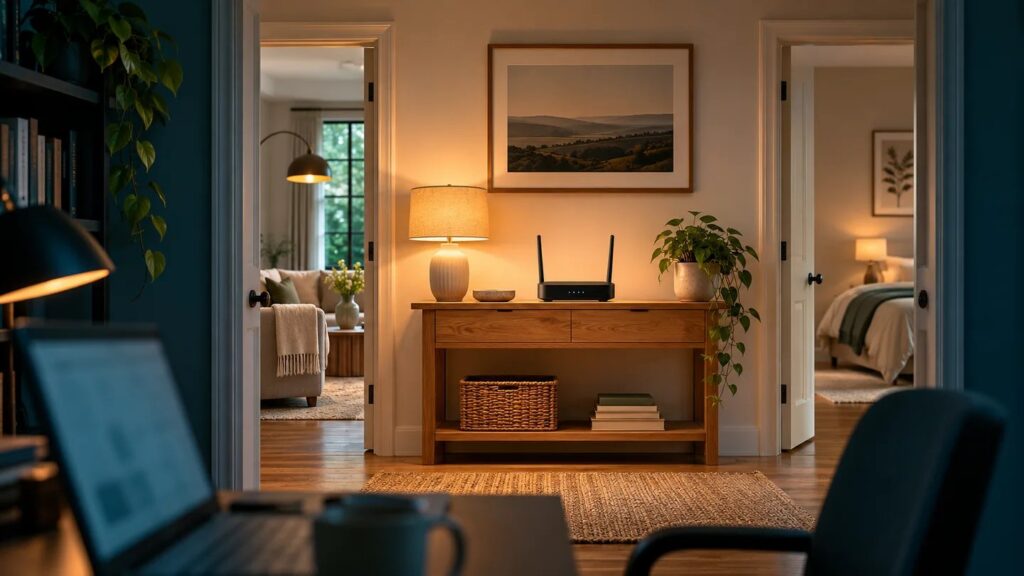
Move it out of the cabinet, off the floor and into an open spot closer to the middle of the area you want covered. If the modem and router are separate, a longer Ethernet cable may let you move just the router. Rerun your two tests. If your calls and streams now work reliably in the problem spot, stop there.
Buy coverage only where you need it
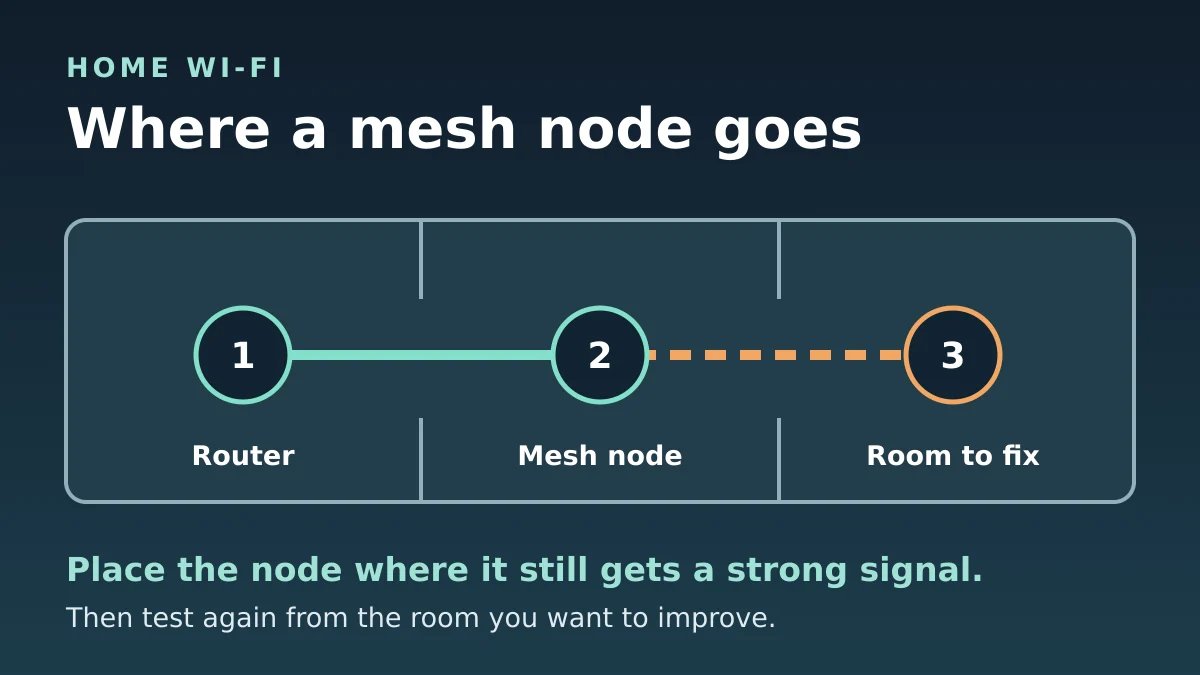
If one area is still weak, try one compatible mesh node before buying a bigger kit, or start with a two-unit system if you’re replacing the router. Put a wireless node between the router and the weak room, somewhere it still gets a strong signal. A node in the dead spot has a poor connection to pass along. If your system has a mesh connection test, run it, then retest from the room itself.
If the room already has Ethernet, check whether your mesh system supports a wired link between units, also called wired backhaul. If only a stationary desk or TV needs help, plugging that device in may solve the problem without mesh. Thick walls or multiple floors make a wired link especially worth considering.
The buying decision
Move the router if placement solves it. Add coverage if the problem is still limited to part of the home. If the wired connection is slow too, investigate that first. Mesh can carry your existing connection farther; it can’t make a slow internet service faster.
Sources
Google Nest Help: Where to place your Wifi devices; eero: Mesh Wi-Fi with Ethernet Backhaul; Ofcom: UK Home Broadband Performance.