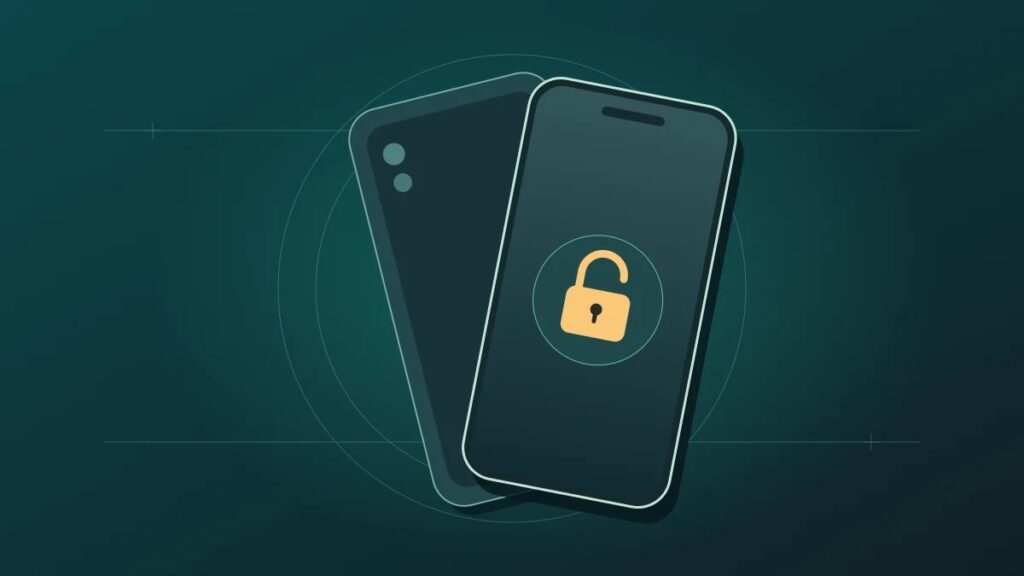
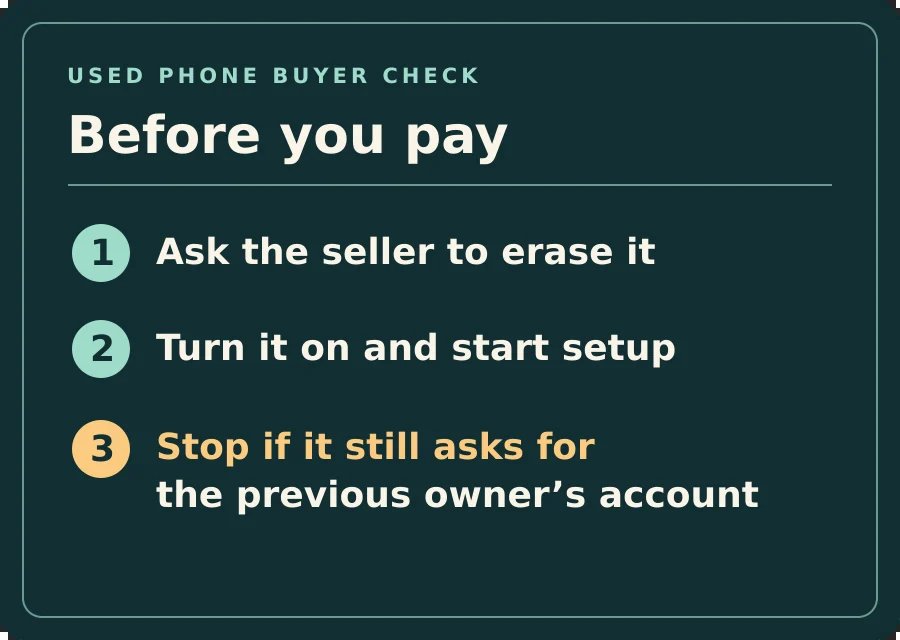
A used phone can look pristine and still be tied to the seller’s account. If you’re buying in person, don’t pay until the seller has erased it and you’ve started setup far enough to see whether the phone asks for the previous owner’s credentials.
In person: start setup, not just the phone
On an iPhone, Apple calls the feature Activation Lock. An “iPhone Locked to Owner” screen is a reason to stop. The “Hello” screen means the phone was erased, but it isn’t the whole test. Start setup and connect to a network when asked. If setup needs the previous owner’s Apple Account, the seller must remove the phone from that account. Don’t pay while it’s still linked.
On Android, Google’s device protection can ask for a screen lock or a Google Account that was already on the phone after a reset. Have the seller remove their Google Account and erase the phone using the manufacturer’s instructions. If setup still requires the seller’s account or old screen lock, stop. A normal invitation to sign in with your own account is different from a demand for the account that was there before.
Online: make the return policy part of the deal
Buy from a seller who confirms in writing that the phone isn’t tied to someone else’s account and accepts returns if setup is blocked. Check the deadline, return shipping and any restocking fee before ordering. Use the marketplace’s own checkout if buying through one, save the listing and receipt, and start setup as soon as the phone arrives. If it’s still locked to the previous owner, request a return rather than paying someone to unlock it.
A phone that passes this check can still be a bad buy
Owner locks and carrier locks are different. A phone can be free of the seller’s account and still not work on your network. Confirm compatibility with your carrier, and check battery health and condition before deciding whether the price makes sense.
Official sources
Apple: Activation Lock for iPhone and iPad
Apple: Buying a preowned iPhone
Google: Android device protection
FTC: Online shopping and returns