RAM holds the information your computer is actively using. When memory is tight, the system may rely more heavily on storage, which can make multitasking feel slow. The right amount depends on your applications and operating system.
Match the workload
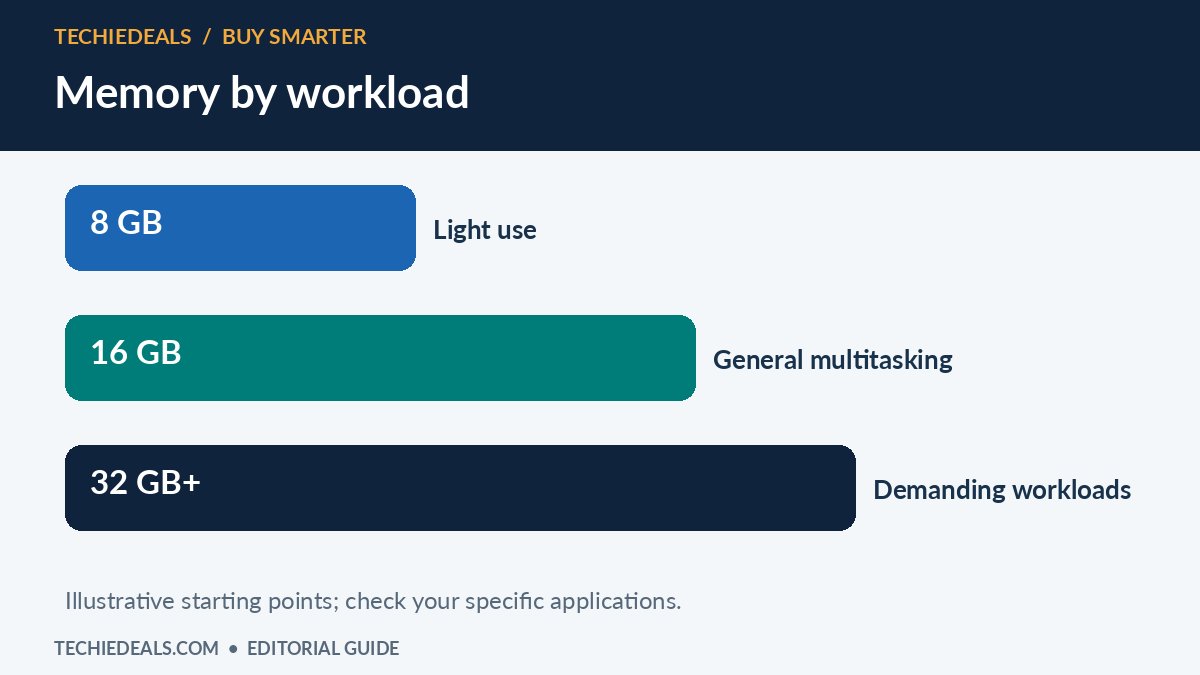
For light browsing and basic documents, 8 GB may be adequate on some systems. For general multitasking, 16 GB is a practical starting point. For heavy creative work, virtual machines or local AI, 32 GB or more may make sense.
Check real requirements
Look at the recommended specifications for your heaviest applications, not just minimum requirements. Integrated graphics and unified-memory systems may share memory across CPU and GPU workloads.
Plan for ownership
Some laptops have soldered memory, so the choice at checkout may be permanent. If your needs are likely to grow, compare the cost of extra memory now with an earlier replacement later.
The TechieDeals Take
Buy enough RAM for your heaviest realistic workload, not the highest number you can afford.
Editorial archive date: 2026-10-22. First published November 27, 2026; this is a newly revised edition.